More than a song title.
Restore titles, artists, albums, album artists, composer credits and their sort fields. Japanese, Korean, Simplified and Traditional Chinese each get their own attention.
The songs you love, with the names they were meant to have. Bring original-language titles, artists and albums back to Apple Music.
Illustrative examples. Actual changes depend on verified catalog evidence.
A translated name can make a familiar song feel unfamiliar. JiBA restores the original details without flattening your collection into one language.
Restore titles, artists, albums, album artists, composer credits and their sort fields. Japanese, Korean, Simplified and Traditional Chinese each get their own attention.
Recording identity and original language are checked separately. Official English and Latin-script names stay intact; uncertain matches remain unchanged or go to review.
Run on a schedule or when new music arrives. Your Mac takes care of the routine, with review and recovery tools when you need them.
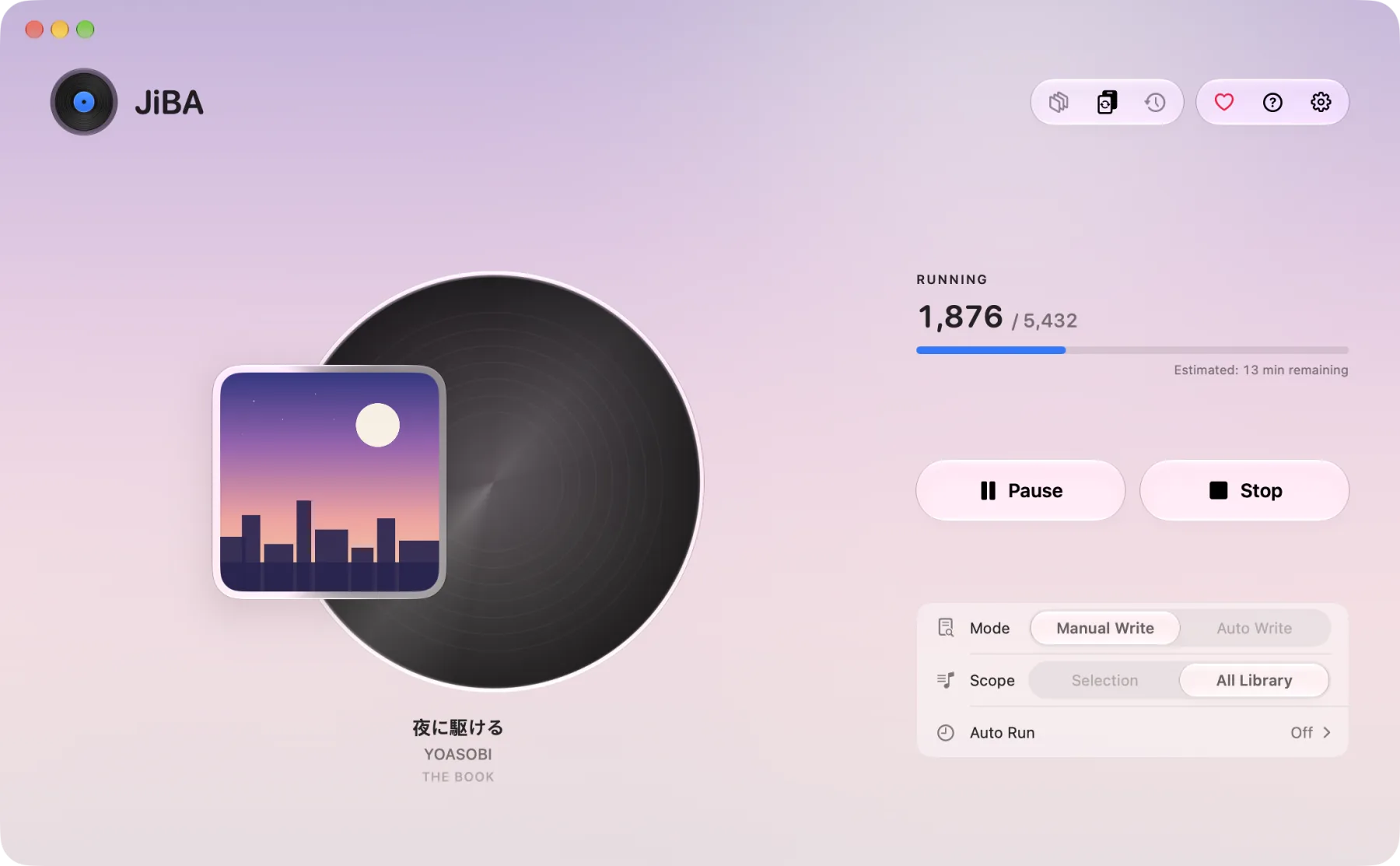
A focused Mac app that works directly with your Music library. See progress, review changes and get back to listening.
With Sync Library enabled, Apple Music can carry your updated metadata to iPhone, iPad and your other devices.
Open JiBA on your Mac, allow access to Music and choose your target languages.
Process your library or drag in selected songs. JiBA checks recording identity and original-language evidence.
Review uncertain matches, use the change history when needed and let scheduled runs handle new additions.
No. JiBA aims to restore each field to its true original language. Official English and Latin-script names are preserved. A matching recording alone does not prove which language a name should use.
JiBA runs on macOS 14 or later. With Apple Music Sync Library enabled, changes made on your Mac can sync to your other devices. Sync behavior is managed by Apple Music.
JiBA includes review, change history and metadata recovery tools. When recording or language evidence is insufficient, it keeps the existing information or asks for review. See the guide for the relevant settings.
Yes. Standard Mode is free. For Enhanced Mode, a donation of any amount unlocks JiBA's backend (it only covers running costs), or you can use your own Apple Developer key at no cost. JiBA will be open source under GPL-3.0, including all algorithms, on November 1, 2026.

A more familiar Apple Music library starts on your Mac.
brew install --cask jiba